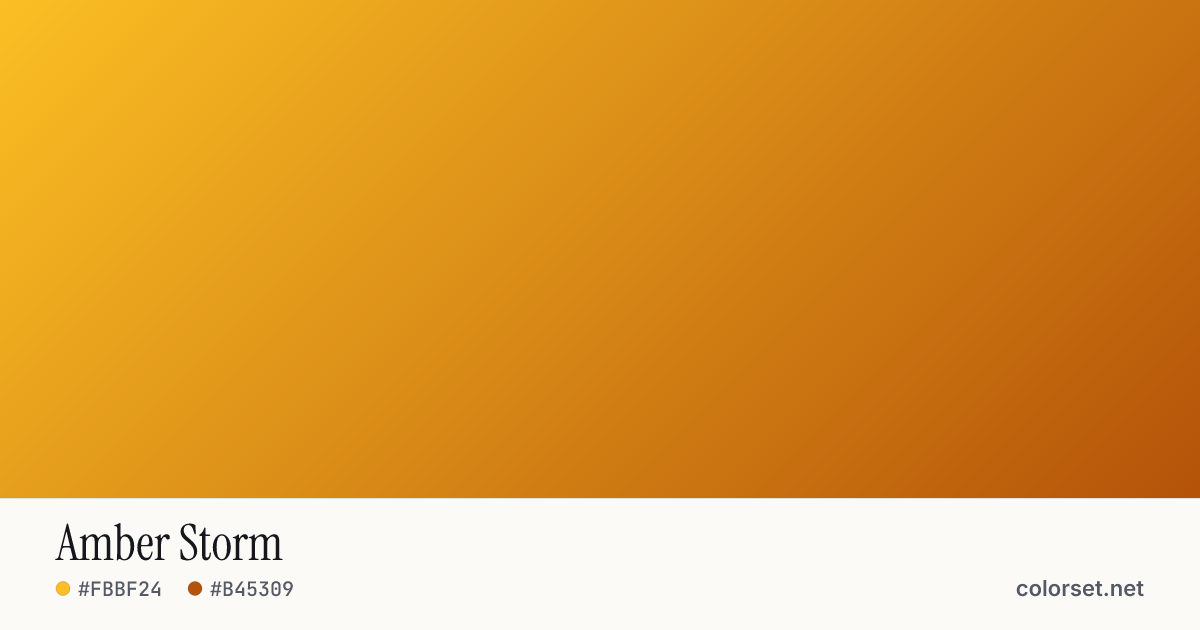
Amber Storm
Customize and copy the CSS
Code
background: #FBBF24;
background: linear-gradient(135deg, #FBBF24 0%, #B45309 100%);
Color stops
| Stop | Position | HEX | RGB | HSL | OKLCH |
|---|---|---|---|---|---|
| Stop 1 | 0% | ||||
| Stop 2 | 100% |
Save image
Image size
Similar gradients
About Amber Storm
Amber Storm blends two colors, starting at #FBBF24 and ending at #B45309. By default it flows top-left to bottom-right at 135°, and its midpoint blends to #DC8700.
The first color is light (84% lightness) and the second one is mid-tone (56%), with an average look that is vivid. The hue travels about 35° around the color wheel, a gentle shift that stays easy on the eye.
It suits cheerful highlights, promo ribbons and illustration backgrounds. Black text keeps at least 4.1:1 contrast across every stop, enough for large headings (WCAG AA large text) but not for small body copy.
Colors this close blend cleanly without any extra settings. Rotate the angle, reverse the direction, or switch to a radial or conic shape to adapt it to your layout.