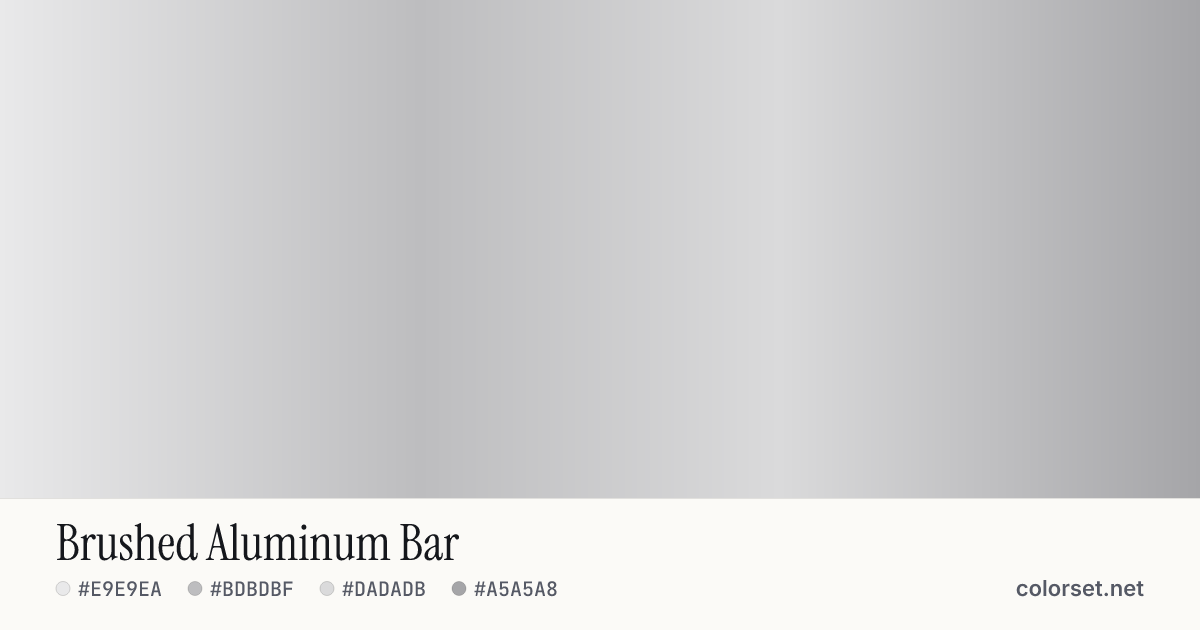
Brushed Aluminum Bar
Customize and copy the CSS
Code
background: #E9E9EA;
background: linear-gradient(90deg, #E9E9EA 0%, #BDBDBF 35%, #DADADB 65%, #A5A5A8 100%);
Color stops
| Stop | Position | HEX | RGB | HSL | OKLCH |
|---|---|---|---|---|---|
| Stop 1 | 0% | ||||
| Stop 2 | 35% | ||||
| Stop 3 | 65% | ||||
| Stop 4 | 100% |
Save image
Similar gradients
About Brushed Aluminum Bar
Starting from #E9E9EA and finishing on #A5A5A8, Brushed Aluminum Bar is a balanced neutral gradient. By default it flows left to right at 90°, and #DADADB sits near the middle.
The opening color is very light (93% lightness) and the closing one is light (72%), with an average look that is nearly neutral. These are near-neutral tones, so the blend reads as a change in lightness rather than a change in color.
It suits minimal layouts where the gradient should support rather than lead. Black text keeps at least 8.5:1 contrast across every stop, which passes WCAG AA for body text.
The two ends are close enough that sRGB and OKLCH interpolation look nearly the same. Change the angle or switch to a radial or conic shape to see how it behaves in other layouts.