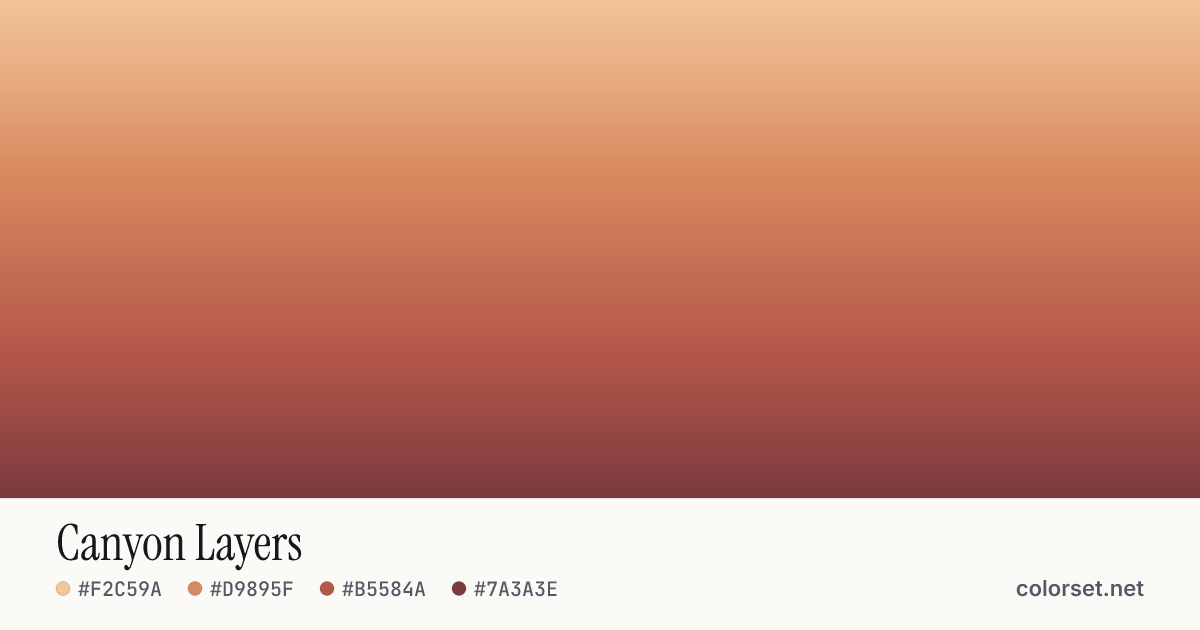
Canyon Layers
Customize and copy the CSS
Code
background: #F2C59A;
background: linear-gradient(180deg, #F2C59A 0%, #D9895F 35%, #B5584A 70%, #7A3A3E 100%);
Color stops
| Stop | Position | HEX | RGB | HSL | OKLCH |
|---|---|---|---|---|---|
| Stop 1 | 0% | ||||
| Stop 2 | 35% | ||||
| Stop 3 | 70% | ||||
| Stop 4 | 100% |
Save image
Similar gradients
About Canyon Layers
Canyon Layers blends 4 colors, starting at #F2C59A and ending at #7A3A3E. By default it flows top to bottom at 180°, and #B5584A sits near the middle.
The opening color is light (85% lightness) and the closing one is deep (43%), with an average look that is softly saturated. The hue travels about 48° around the color wheel, a gentle shift that stays easy on the eye.
It suits friendly call-to-action buttons and playful hero sections. Lightness changes a lot along this gradient (42% range), so no single text color holds up everywhere. Put text on a solid card or only over the stronger end.
Colors this close blend cleanly without any extra settings. Rotate the angle, reverse the direction, or switch to a radial or conic shape to adapt it to your layout.