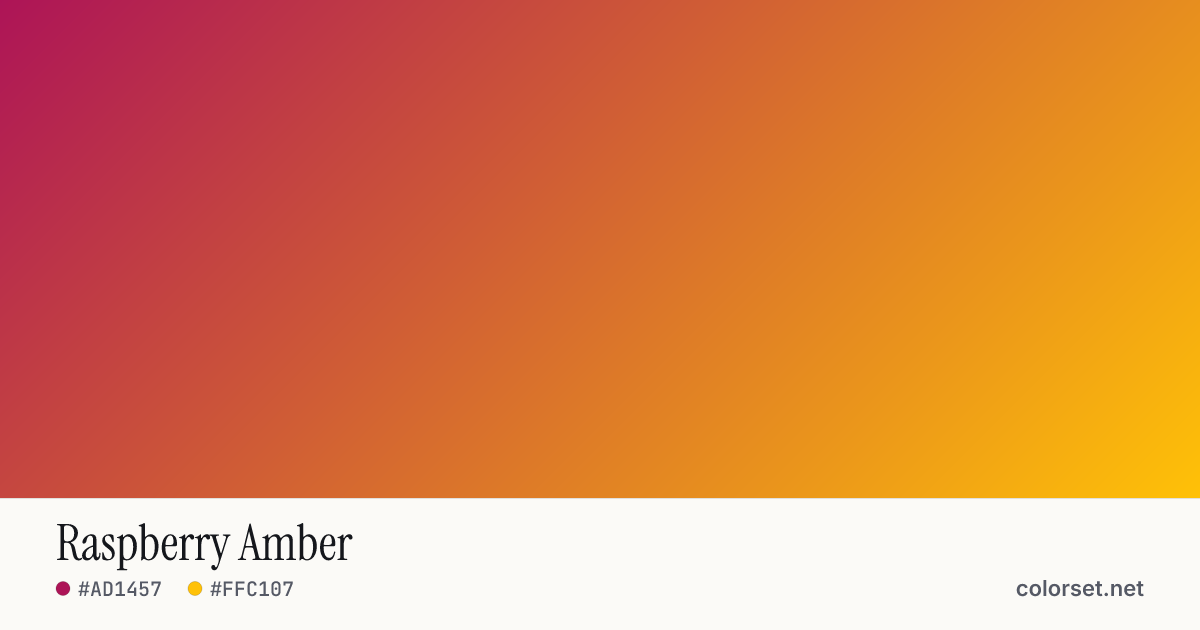
Raspberry Amber
Customize and copy the CSS
Code
background: #AD1457;
background: linear-gradient(135deg, #AD1457 0%, #FFC107 100%);
Color stops
| Stop | Position | HEX | RGB | HSL | OKLCH |
|---|---|---|---|---|---|
| Stop 1 | 0% | ||||
| Stop 2 | 100% |
Save image
Image size
Similar gradients
About Raspberry Amber
Raspberry Amber blends two colors, starting at #AD1457 and ending at #FFC107. By default it flows top-left to bottom-right at 135°, and its midpoint blends to #EA6723.
The first color is deep (49% lightness) and the second one is light (84%), with an average look that is vivid. The hue swings roughly 82° across the color wheel, which gives the gradient a wide, multi-tone sweep.
It suits sale banners, alerts and bold call-to-action buttons. Black text keeps at least 3.0:1 contrast across every stop, enough for large headings (WCAG AA large text) but not for small body copy.
A wide hue shift is where the default sRGB blend tends to go gray in the middle. Turn on OKLCH interpolation above for a cleaner path between #AD1457 and #FFC107.