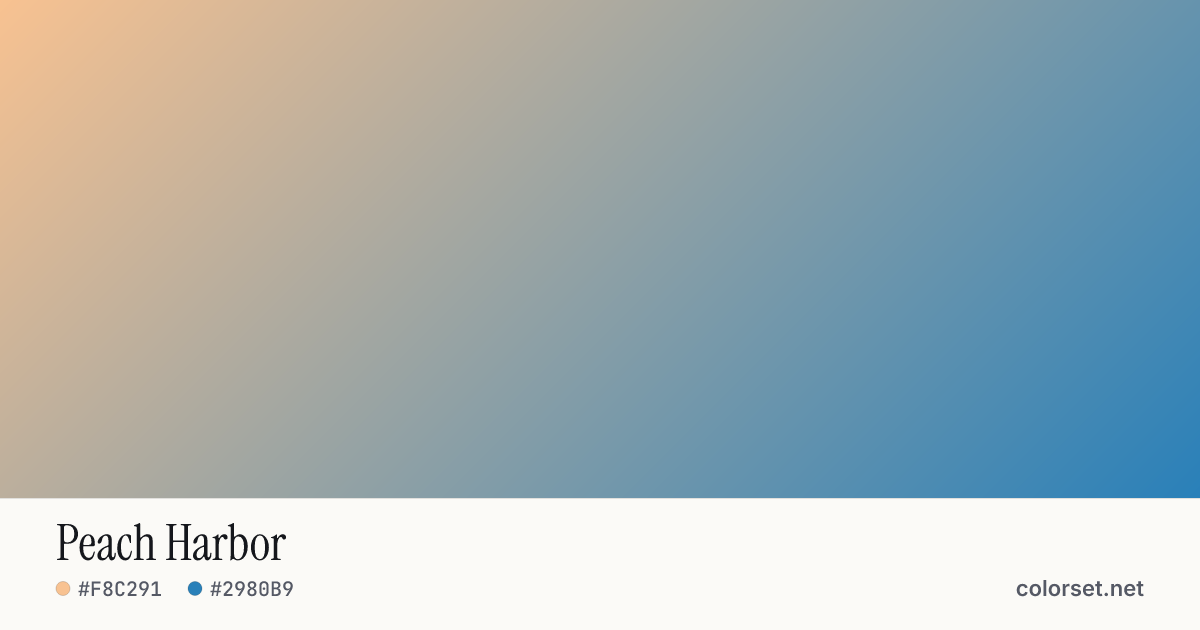
Peach Harbor
Customize and copy the CSS
Code
background: #F8C291;
background: linear-gradient(135deg, #F8C291 0%, #2980B9 100%);
Color stops
| Stop | Position | HEX | RGB | HSL | OKLCH |
|---|---|---|---|---|---|
| Stop 1 | 0% | ||||
| Stop 2 | 100% |
Save image
Similar gradients
About Peach Harbor
Starting from #F8C291 and finishing on #2980B9, Peach Harbor is a balanced multi-color gradient. By default it flows top-left to bottom-right at 135°, and its midpoint blends to #6DB683.
The first color is light (85% lightness) and the second one is mid-tone (58%), with an average look that is softly saturated. The hue swings roughly 179° across the color wheel, which gives the gradient a wide, multi-tone sweep.
It suits tech products, onboarding screens and navigation bars. Black text keeps at least 4.8:1 contrast across every stop, which passes WCAG AA for body text.
Because the hue changes a lot, blending in the sRGB color space can turn the middle gray or muddy. Switch on OKLCH interpolation above to keep the transition clean, then copy the CSS with the "in oklch" hint.