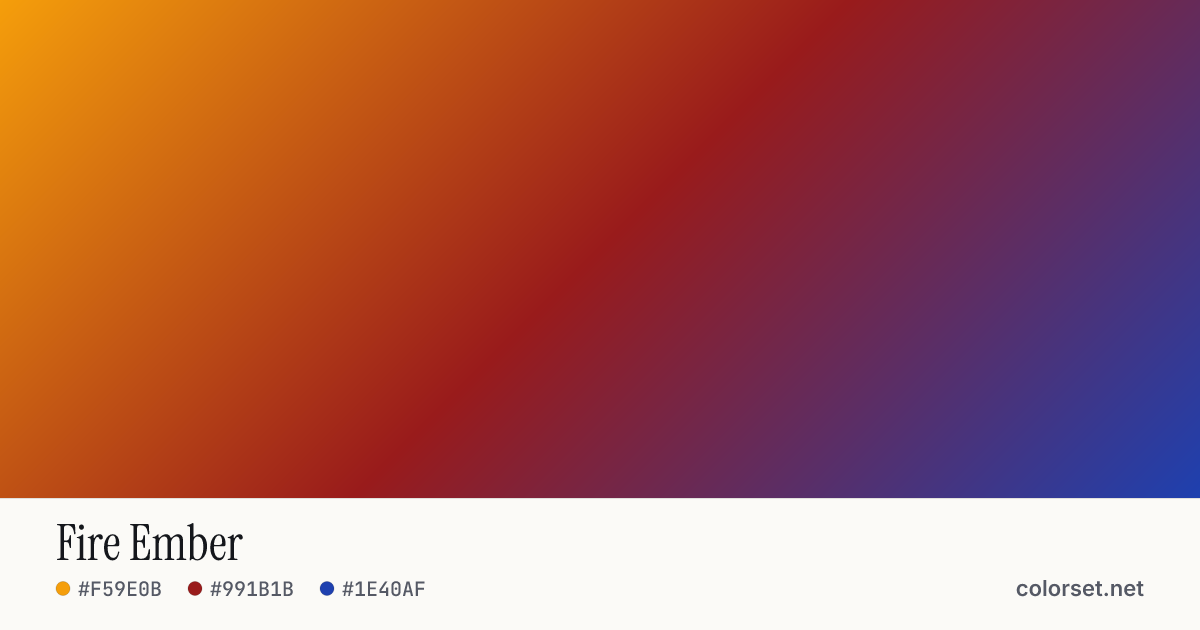
Fire Ember
Customize and copy the CSS
Code
background: #F59E0B;
background: linear-gradient(135deg, #F59E0B 0%, #991B1B 50%, #1E40AF 100%);
Color stops
| Stop | Position | HEX | RGB | HSL | OKLCH |
|---|---|---|---|---|---|
| Stop 1 | 0% | ||||
| Stop 2 | 50% | ||||
| Stop 3 | 100% |
Save image
Similar gradients
About Fire Ember
Fire Ember blends 3 colors, starting at #F59E0B and ending at #1E40AF. By default it flows top-left to bottom-right at 135°, and #991B1B sits near the middle.
The opening color is light (77% lightness) and the closing one is deep (42%), with an average look that is vivid. The hue swings roughly 164° across the color wheel, which gives the gradient a wide, multi-tone sweep.
It suits tech products, onboarding screens and navigation bars. Lightness changes a lot along this gradient (34% range), so no single text color holds up everywhere. Put text on a solid card or only over the stronger end.
A wide hue shift is where the default sRGB blend tends to go gray in the middle. Turn on OKLCH interpolation above for a cleaner path between #F59E0B and #1E40AF.